CAD File Management Software
Conquer CAD chaos and keep drawings in sync
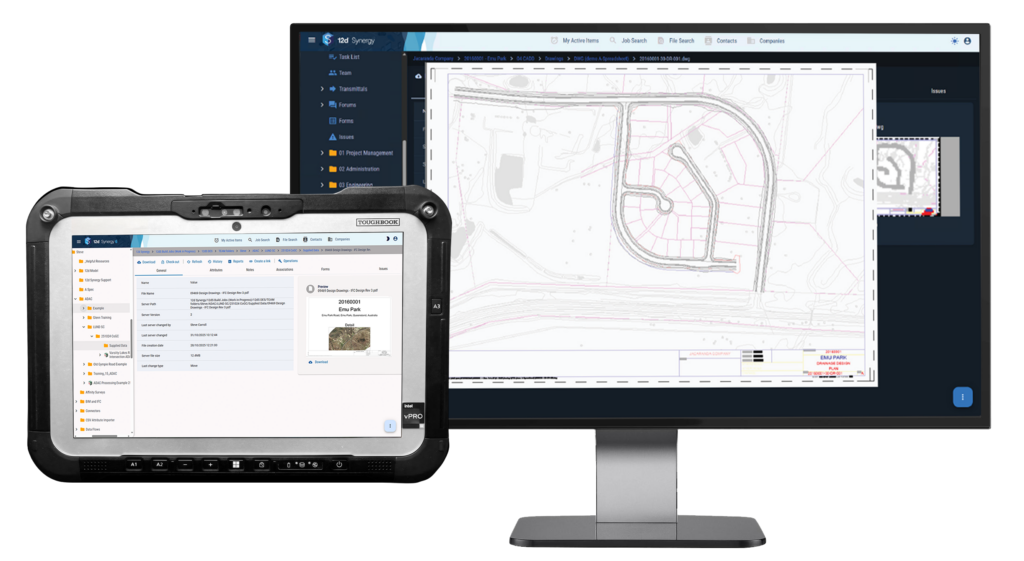
Control your drawings, xrefs and sheet sets simply. Streamline title block updates and have access to a clear history/version control of your files. Enjoy faster data transfers for smoother collaboration.

Conquer CAD Chaos Today
Fill in the form to get the eBook and learn how smarter CAD file management can improve productivity and reduce project risk. See how 12d Synergy can help.
Download Your Copy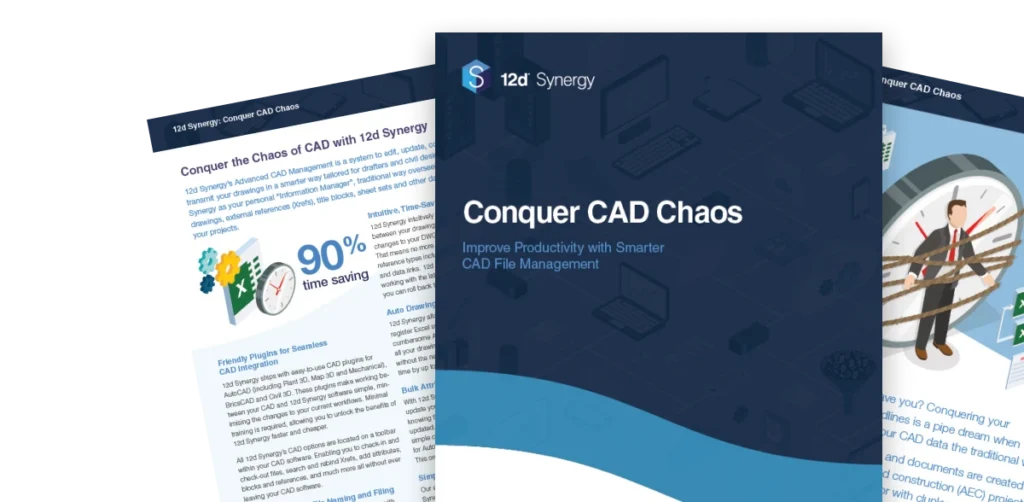
Why CAD workflows break down at scale
When projects grow, manual CAD management methods don’t scale well. Small errors can turn into major rework.
Billable hours get burned
updating drawing with registers, spreadsheet and lisp routines that require opening DWGs one by one.
Time gets lost
rebinding hundreds of Xrefs when references break.
Naming and folder rules are not adhered to
causing batch commands and macros to fail.
No reliable history
makes it harder to prove what was issued and when if disputes arise.
Thousands of drawings, representing many gigabytes of data are created for Architectural, Engineering and Construction (AEC) projects. Many teams still manage this the old-school way using network drives, spreadsheets and manual routines. Under deadline pressure, cracks show: files get misnamed, references break, title block data isn’t updated, workflow tasks get skipped and outdated drawing are used. The result is wasted hours, version confusion, and costly rework. You need CAD drawing management that keeps datasets controlled, facilitates fast updates, and keeps collaboration predictable.
CAD file control that keeps teams moving
12d Synergy streamlines CAD file management by automating the tedious parts of drawing control and keeping everyone aligned on the latest set. Reduce tileblock admin, eliminate avoidable Xref breakage, and maintain an auditable record of changes as projects evolve.

Streamline updates to title block information in your drawings without opening any DWG files, reducing update time by up to 90%.
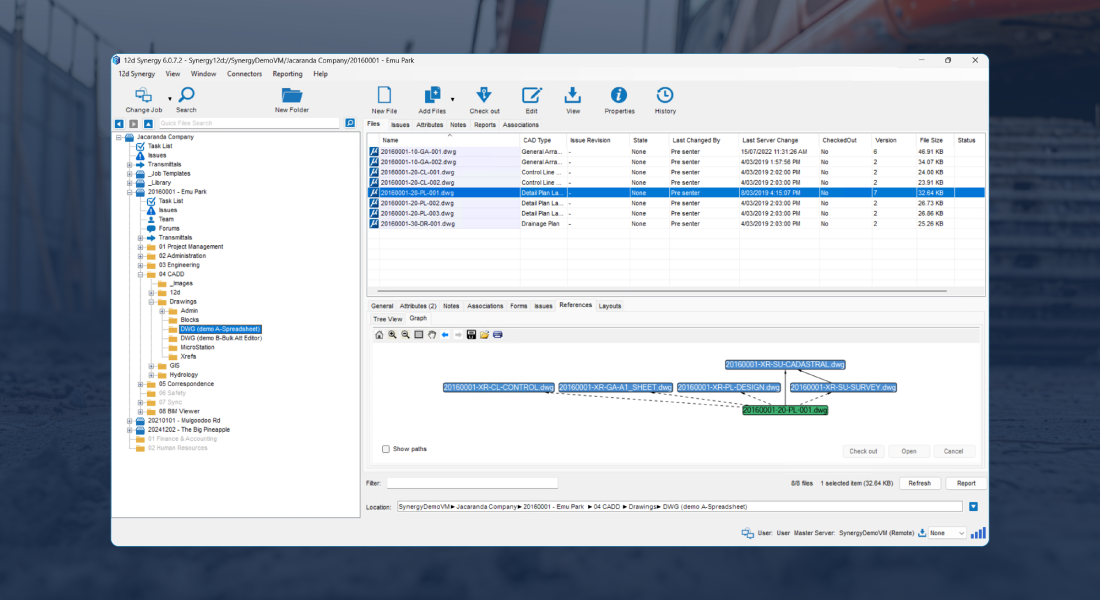
Rename or move DWGs without breaking Xref links as 12d Synergy intuitively recognises the link between your drawings.
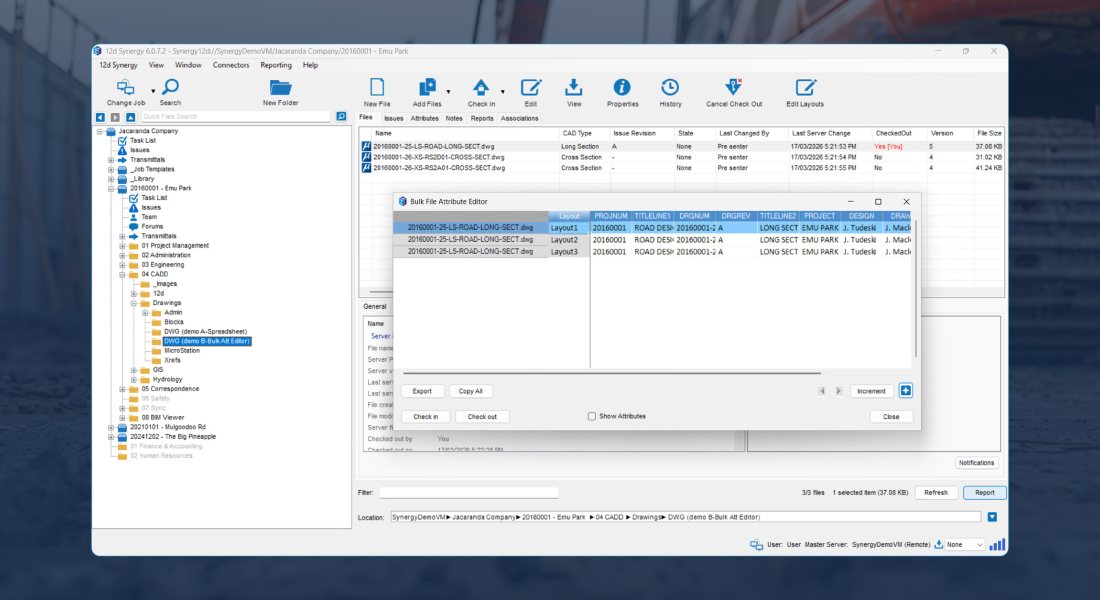
Streamline Attribute management via Excel spreadsheets – push out attribute updates from a spreadsheet to an entire set of plans without having to open any drawings.
Manage your sheet sets with a check-in/check-out system – Keep everyone working on the same, most up-to-date page.
Easily import and edit attributes on drawing Layouts directly from 12d Synergy using our Layout Editor.
Collaborate with confidence across offices and remote teams
Keep CAD deliverables controlled with enforced naming and filing rules, a single source of truth, and clear version history. Teams can find the right file faster, reduce duplication, and keep batch routines running reliably.
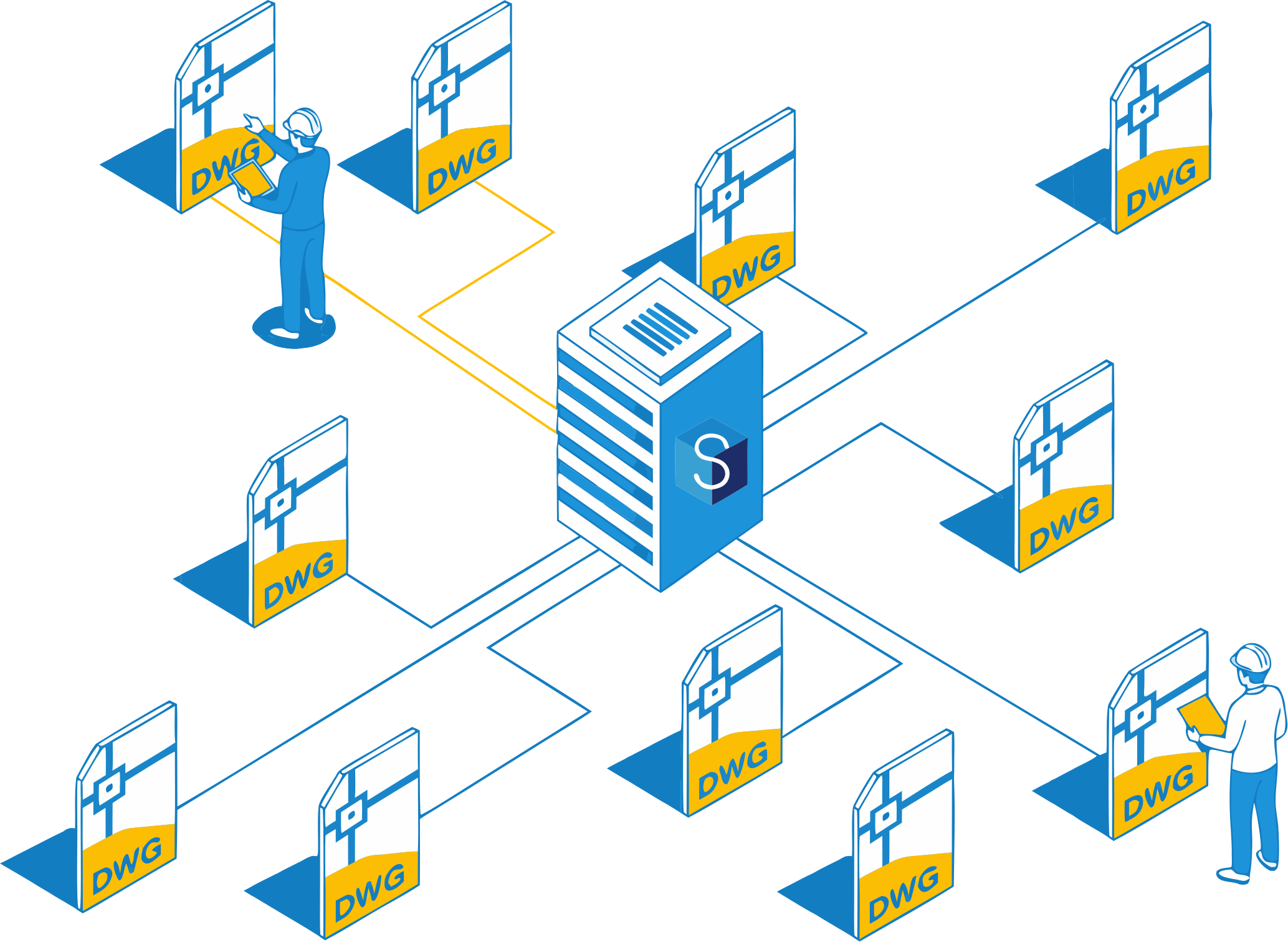
Enforce naming and filing rules so drawings are consistently structured and batch routines run reliably.
Track who changed what and when with a complete audit trail, giving you the peace of mind of easy rollback.
Lockdown CAD work processes with the Workflow Engine* so key steps don’t get skipped.
*add-on
Built-in controls for CAD at scale
Reduce admin time, prevent errors, and keep drawing sets consistent across teams and offices.
Title Block Updates
Update title block information across drawings without opening each DWG, reducing manual errors.
Xref Integrity
Rename or move drawings without breaking Xrefs, so teams spend less time rebinding references.
Sheet Set Control
Use check-in/check-out to keep sheet sets controlled and reduce “who changed what” confusion.

Bulk Editing
Select groups of DWGs and update attributes in bulk through spreadsheet-based workflows without opening drawings.

Audit Trail
Track who changed what and when, with rollback potential for safer collaboration and QA.

Faster Transfers
Work locally with a central point of truth. Transfer only what changed to reduce network strain and speed up collaboration.

Customer Success Stories
“I would totally recommend 12d Synergy for CAD management, the Bulk File Attribute Editor is probably my favourite feature. It enables extremely fast title block changes… without the need to even open AutoCAD.“
Byrne Consultants speed up CAD administration by updating title block information across drawings without opening AutoCAD files.
Read Their Story
Kerrie Signorini
Senior Civil Designer, Byrne Consultants
“The Rollback feature has been priceless for us. Without it, we could be losing a day or even a week’s worth of work trying to go back to a previous design or drawing.“
NCTIR rely on 12d Synergy’s rollback and version history to quickly recover from mistakes and avoid losing days of CAD work.
Read Their Story
Nathan Watts
CAD Manager, NCTIR
“The main benefit we see from 12d Synergy is the workflow from CAD to PDF to transmittal, which is auto created…We’ve eliminated the human error and the transmittal is always correct.“
Premise automated the CAD-to-PDF-to-transmittal process to reduce manual steps and eliminate human error when issuing drawing packages.
Read Their Story
Andrew Langdon
Civil Design Lead/Design Technology Lead, Premise
Seamless integration across your technology stack
Integrate your core systems into an open, data-agnostic environment, so project information flows consistently without vendor lock-in.





Conquer CAD Chaos Today
Fill in the form to get the eBook and learn how smarter CAD file management can improve productivity and reduce project risk. See how 12d Synergy can help.
Take control of your projects, mitigate risks, and reduce costs

Uphold standards by centralising all project information within an ISO 19650 Common Data Environment.

Integrate subterranean pipe design directly with 2D overland flood hydrodynamics in TUFLOW.
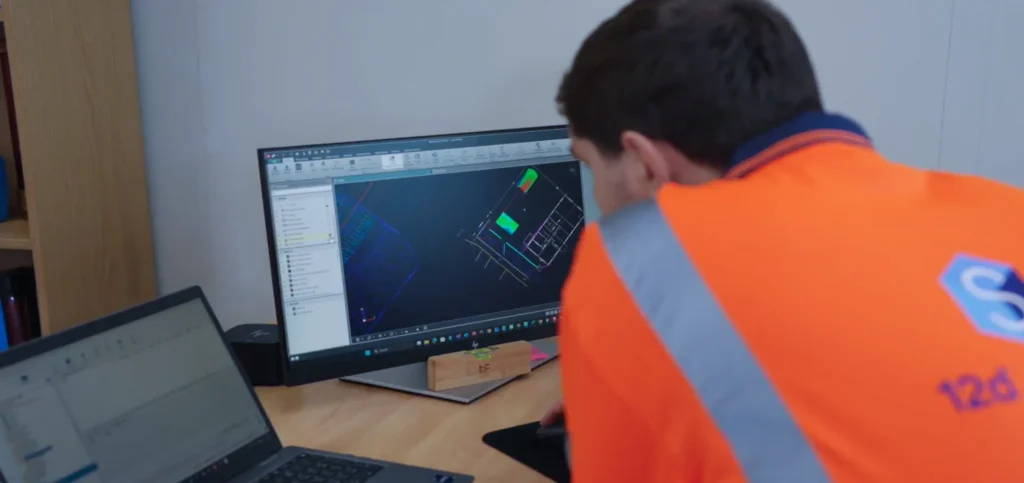
Model multi-lane road corridors, roundabouts, and rail alignments in seconds with live parametric updates.
03 — DESIGNERS

Achieve sub-millimeter traverse adjustments and effortless field-to-office sync with 12d Field.