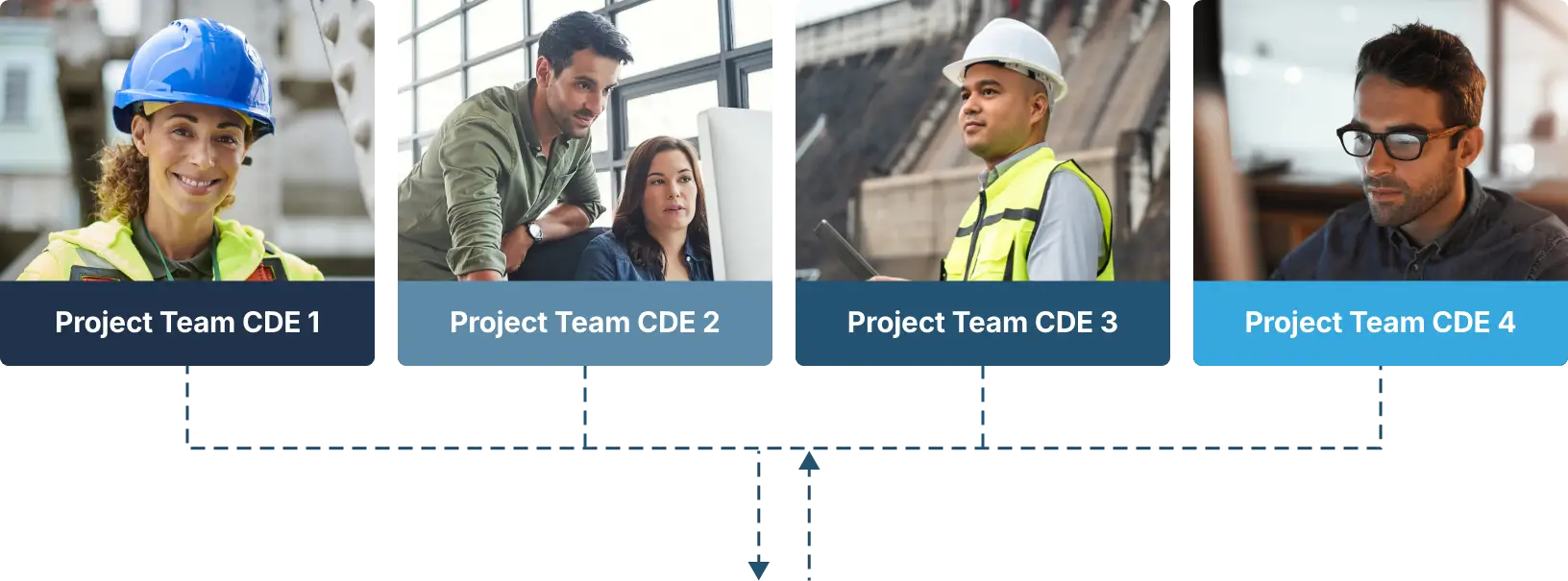
Start Connecting Your CDEs Today

Fill in the form to download the guide and learn what Connected CDEs are, why they matter, and how to connect tools, teams, and data more effectively.
Download Your Copy

What is CDE Connect?

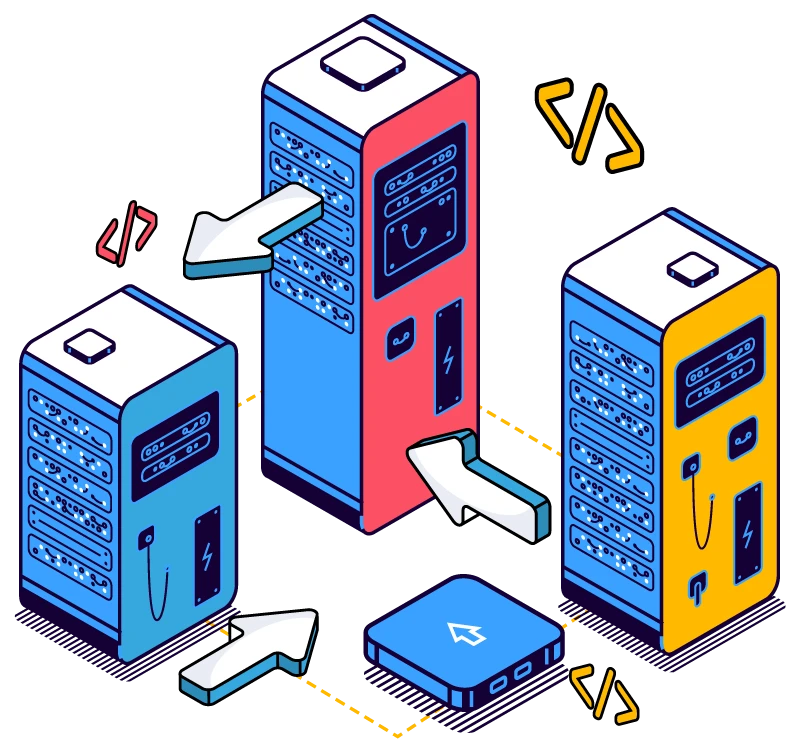
12d Synergy seamlessly integrates your Common Data Environments, enabling secure data (files, models and metadata) to flow between multiple platforms. No more duplicate data, no more outdated files, no more manual transfers – just reliable, automated syncing that keeps your teams focused and productive.
Trimble
Connect
ASITE
In the Architecture, Engineering and Construction (AEC) industry, project teams often manage their own CDE, such as 12d Synergy, Autodesk Construction Cloud, and ProjectWise. Each system holding huge amounts of data, but often operate in isolation. Keeping information up to date across them all is a constant struggle. Sharing data between them often means a lot of manual work. Transferring files, packaging up data, tracking records, and ensuring everything gets to the right place is time-consuming and error-prone.

That’s where CDE Connect comes in. It automates this entire process, helping owners, designers and site teams simplify data exchange to improve efficiency and quality across a project.

Data exchange shouldn’t be hard work

When project teams work across multiple platforms, keeping information aligned becomes manual work and small gaps quickly turn into rework.

Different systems create different “truths”,

so teams end up coordinating from inconsistent sets.

Manual exports and uploads slow delivery 

and introduce avoidable errors under deadline pressure.

Metadata is often lost during handover, 

 making it hard to track status and suitability.

Version drift triggers rework

when one platform updates and the other doesn’t.

Naming and structure become inconsistent

across systems, which makes retrieval and governance harder.

Audit gaps appear during QA and claims

because it’s unclear what was issued, when, and by whom.

Access control becomes messy

when files are copied between systems instead of governed end-to-end.

Complex deliverables are hard to validate after transfer,

leading to missing items and broken dependencies.

Most architecture, engineering and construction projects involve multiple “systems of record” for drawings, models, and deliverables. Without a reliable way to connect them, teams spend hours transferring files, packaging up data, tracking records, just to keep everyone working from the right set. The cost is delays, duplicate data, version confusion, and higher risk when it matters most.

Seamless collaboration
from project beginning to end
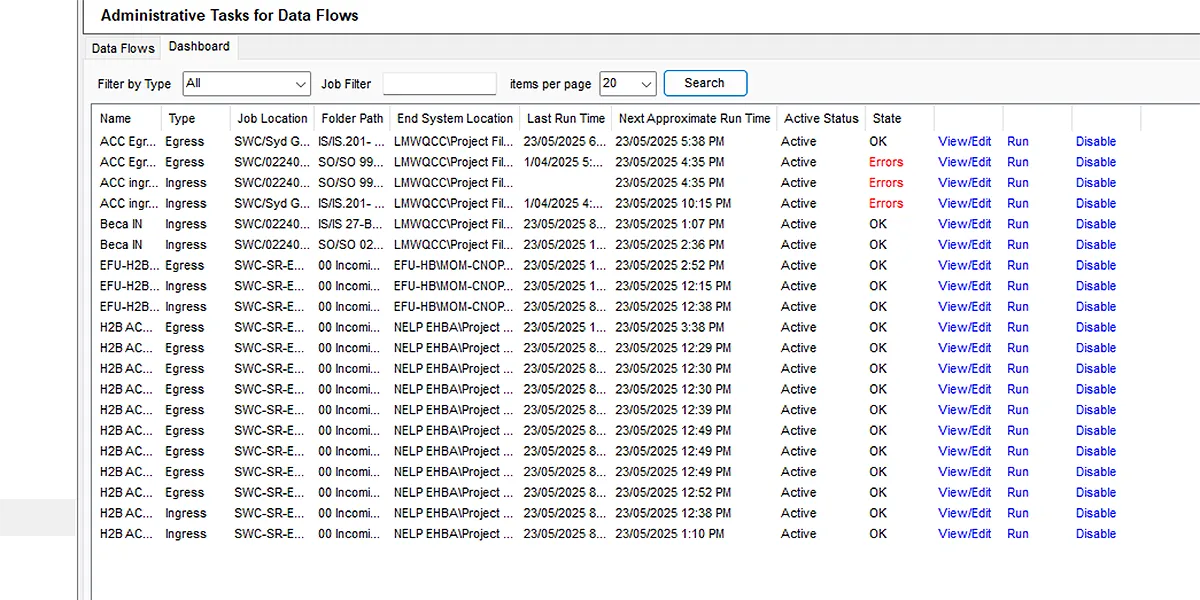
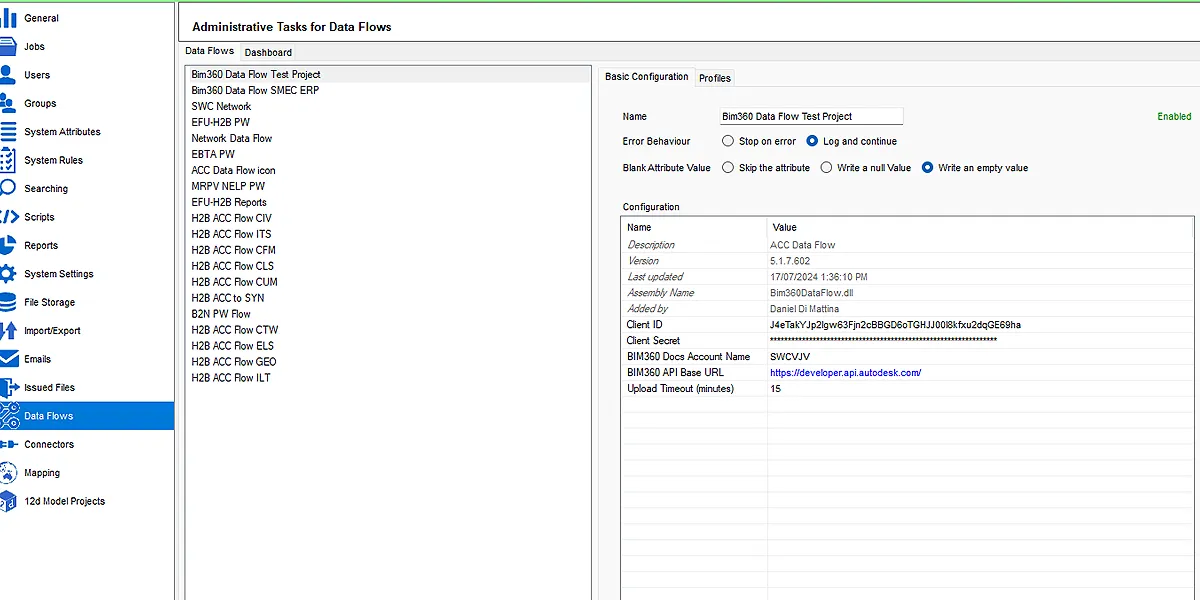
When project information lives across multiple common data environments, coordination quickly turns into manual work. CDE Connect keeps your systems aligned by automating the exchange of approved files (and any supported metadata) so teams stay in sync from early design through delivery, without changing the tools they already use.
Book A Demo

Seamless data exchange and associated meta data.

Secure and compliance to industry-standard workflows.

Trigger by set schedule, workflow or manually.

Real-time updates and user notification.

Customer Success Stories

“CDE Connect has been a gamechanger. It has allowed us to have a lot of control.“

Seymour Whyte used CDE Connect to replace manual data transfers with real-time sync across CDEs, reducing rework, risk, and admin time.
Read Their Story

Daniel Di Mattina

Project Survey Manager, Seymour Whyte

“Through that increased collaboration the data flow is so much more streamlined.“

Field and office teams kept updates moving through a central environment, reducing delays and manual transfer overhead.
Read Their Story

Michael Connor

Survey Manager, Fulton Hogan

“Out of all our software, 12d Synergy’s support is by far the best… far better bang for buck… I couldn’t picture life without it.“

Premise moved away from Dropbox-style file sharing to a controlled CDE with permissions, version history, and secure collaboration across offices and external partners.
Read Their Story

Annette Sweeny

Chief Operating Officer, Premise

Connect the Common Data Environments
you already use

Exchange information between Common Data Environments without forcing everyone onto the same system.

Start Connecting Your CDEs Today

Fill in the form to download the guide and learn what Connected CDEs are, why they matter, and how to connect tools, teams, and data more effectively.

Take control of your projects, mitigate risks, and reduce costs

Young man in an office smiling at the camera
Uphold standards by centralising all project information within an ISO 19650 Common Data Environment.
Integrate subterranean pipe design directly with 2D overland flood hydrodynamics in TUFLOW.
Model multi-lane road corridors, roundabouts, and rail alignments in seconds with live parametric updates.
03 — DESIGNERS
Achieve sub-millimeter traverse adjustments and effortless field-to-office sync with 12d Field.

An Open, Connected Ecosystem for Project Delivery

From precise field data collection and advanced civil design to controlled information management and automated data exchange, 12d supports your entire project lifecycle while connecting with the tools your teams already use.

12d Synergy

Manage documents, emails, workflows and complex engineering datasets from 12d and third-party applications within a secure Common Data Environment.
Learn more

12d Model

Survey, design, analyse and visualise civil, water and infrastructure projects while exchanging data across industry-standard formats and platforms.
Learn more

12d Field

Capture, validate and work with field data using a broad range of surveying instruments, hardware and data formats.
Learn more

Frequently Asked Questions

What is a Common Data Environment (CDE)?

A Common Data Environment is the controlled system where project information is stored, shared and managed, so teams can find the current set and keep a traceable record over time. It’s used to reduce version confusion, improve collaboration, and support governed information exchange.

What does CDE Connect do?

Many projects have multiple CDEs because different organisations use different platforms. CDE Connect automate data exchange between these environments, so files, associated metadata, and folder structures can be kept aligned without manual packaging and re-uploading.

Does CDE Connect replace our CDEs?

No. CDE Connect sits alongside your existing platforms. It connects environments and automates the exchange of files and metadata, so teams stay aligned while continuing to work in the tools they already use.

How do you keep transfers controlled and traceable?

CDE Connect is positioned around controlled transfers and automation that reduces error-prone manual handling, and your platform messaging consistently emphasizes reliable history/traceability as part of governed delivery.

How is this different from sending packages manually (zip files, transmittals, uploads)?

Manual exchange relies on people remembering every step: packaging the right set, keeping folder structure intact, re-entering metadata, and confirming the receiving side is current. CDE Connect is positioned to reduce that double-handling by automating the flow and keeping the exchange consistent.

Where can I find setup guidance (connectors)?

Our Knowledge Base has a connectors’ guide that covers installing/upgrading connectors, which is a good “how-to” reference for users who want implementation detail.